Korean Identity Verification (본인인증): Why Apps Reject You and How to Pass
본인인증 is the wall foreigners hit at every Korean signup. Here's why it fails for you and the real order of operations to get past it.
You found the app, tapped "sign up," entered your name and phone number — and Korea slammed a door in your face. A screen appeared asking for 본인인증 (bon-in-injeung — "identity verification"), you picked a method, and it simply refused you. This is the single biggest digital wall foreigners hit here, and almost nobody explains it before you're stuck. Here's what it actually is and how to get through it.
The short version
본인인증 means proving to a website or app that you are a specific, real, government-registered person — not a bot and not someone else. Korea leans on it far more than most countries because online services are legally required to confirm identity for banking, payments, government, and even a lot of shopping.
The catch: nearly every verification method is built on a 13-digit registration number and a Korean mobile number registered in your own name. As a foreigner you get that registration number from your ARC (외국인등록증, oegugin deungnokjeung — "alien registration card"), and you get a qualifying phone line only after you can prove who you are. That's the trap, and the rest of this guide is how to escape it.
How it actually works
When you hit a 본인인증 screen, Korea isn't checking your password. It's routing you to a licensed verification agency — usually your mobile carrier — that already holds your registration number and confirms it's really you, right now, on your own phone.
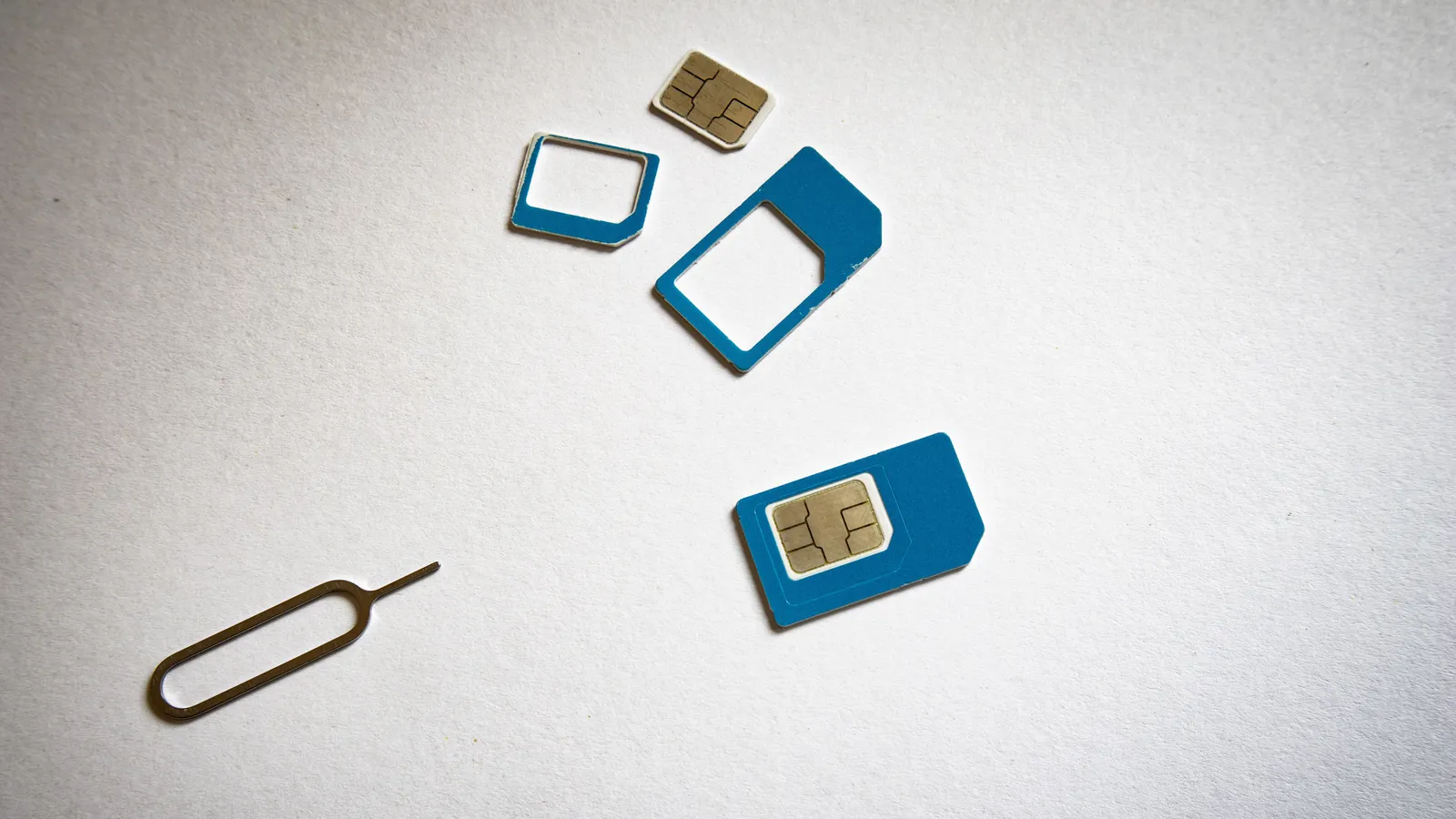
That's why a working phone isn't enough. The system checks the name and registration number behind the line, and it must match your ARC and, later, your bank account. A mismatch between those three names is the number one reason verification fails for foreigners. So is a line that technically works but was registered to a landlord, an employer, a school, or on a passport instead of an ARC.
The main verification routes (and when each works)
1. Mobile-carrier verification — 휴대폰 본인인증 (hyudaepon bon-in-injeung). You enter your carrier, name, registration number, and phone number, then approve an SMS code. This is the default everywhere. It works only if the line is postpaid and registered in your own name against your ARC. A passport-only prepaid SIM will almost always fail here.
2. The PASS app. A single app from SKT, KT, and LG U+ that stores your verification so you tap once instead of typing everything. Foreigners can use PASS — but generally only when the phone contract was opened with an ARC (or overseas-Korean/permanent-resident card) in your name. Prepaid lines activated on a passport typically can't register for PASS.
3. 공동인증서 / 금융인증서 — bank certificates. These are digital certificates you get from your Korean bank after opening an account. The older 공동인증서 (gongdong-injeungseo — "joint certificate," formerly the "official certificate") is stored on your device or a USB and is valid for 1 year, so you renew it every year. The newer 금융인증서 (geumyung-injeungseo — "financial certificate") lives in the bank's cloud, works across your devices, and is valid for 3 years and auto-renews. For foreigners the financial certificate is usually the more practical one because it leans on your bank record rather than the resident-registration system.
4. Credit-card verification — 신용카드 본인인증. Some sites let you verify with a Korean-issued credit card's details. Handy when your phone won't cooperate, but it requires a Korean card, which itself needs a bank account and an ARC first.
5. i-PIN — the legacy route. i-PIN was an ID/password alternative to entering your registration number everywhere. Public i-PIN (공공아이핀) issuance was discontinued in 2018 — only private i-PIN (NICE, KCB, SCI) remains, and it's now rare and not worth chasing. If a site still offers it, treat it as a last resort.
6. Passport / ARC-based verification for some government sites. A handful of government portals accept passport or ARC document verification directly, sometimes with an in-person or foreign-resident-specific flow. This is the exception, not the norm — most consumer apps won't offer it.
The chicken-and-egg problem
Here's the loop that traps almost everyone:
- Most services need 본인인증.
- 본인인증 needs a Korean phone line in your own name.
- A real (postpaid) line in your name needs an ARC and usually a Korean bank account for autopay.
- Opening a bank account and getting an ARC takes time after you land.
So on day one, with a passport-only tourist SIM, you can browse but you can't register for the things that matter. That's normal. You're not doing anything wrong — the sequence just has to happen in order.
The practical order of operations
Do these in sequence and you'll unlock most of Korea's digital life:
- Get your ARC. Everything downstream depends on it. See Your Residence Card (ARC).
- Get a real phone plan in your own name. A postpaid contract registered to your ARC is the key that turns the whole lock. See Getting a Real Korean Phone Plan as a Resident. If you're still on a prepaid SIM, ask your provider to re-register the line under your ARC once you have it.
- Register PASS or carrier SMS verification on that line. Now 휴대폰 본인인증 will start passing.
- Open a bank account and issue a 금융인증서. See How to Open a Korean Bank Account as a Foreigner.
- Set up the pay apps (KakaoPay, Toss, etc.), which will verify cleanly once steps 2–4 are done.
Which services actually demand it
- Banking and payments — internet banking, KakaoPay, Toss, and card sign-ups. Non-negotiable.
- Government — Gov24 (정부24) and HiKorea for visa and residence tasks.
- Shopping and delivery — Coupang, many online stores, and food-delivery apps often gate checkout, coupons, or account creation behind it.
- Messaging and daily apps — even setting up certain features can trip a 본인인증 check.
Basically: the more a service touches money, your legal status, or your address, the more certain it is to demand verification.
Common misunderstandings
"My SIM works, so verification should work." Making calls and passing 본인인증 are two different tests. Data and calls run on the network; verification checks who the line is registered to.
"A prepaid SIM is fine." For calls, yes. For verification, usually no — unless it's registered against your ARC rather than your passport.
"I'll just use my friend's phone or a work phone." It'll fail or, worse, verify as them. The name must be yours, everywhere.
"My name mismatch is a bug." It's the design. If your ARC shows "GIVEN MIDDLE SURNAME" but your bank has "SURNAME GIVEN," fix the records so all three — carrier, ARC, bank — read identically.
Good to know
- Keep your name spelled and ordered identically across your ARC, phone contract, and bank account from day one. It saves hours of failed verifications later.
- The 금융인증서 is the quiet MVP: cloud-stored, multi-device, and independent of your carrier, so it still works if you switch phones or plans.
- Screenshot the exact error when verification fails — the message often names which agency (carrier, card, or certificate) rejected you, which tells you what to fix.
Once you've cleared this wall, the rest gets much easier. Next, set up the apps everyone actually uses — start with KakaoBank vs Toss vs traditional banks and KakaoTalk, then look at sending money from Korea when you're ready to move funds home.
Cover photo by Andrey Matveev, used under the Unsplash License.
Connectivity and identity verification are separate checks
KT's tourist-product terms distinguish an airport entry check for voice/SMS service from simply having data. Do not assume a travel SIM is equivalent to a residence-linked phone account. When a verification fails, save the precise error, compare how your name is registered with the phone provider and the service, and ask the provider which identification its product supports.
Our editor's local perspective: people in Korea are often willing to help even when English is not their first language. A translation app or ChatGPT can help you prepare a short question, then show the Korean text and ask the person to confirm their answer. English-speaking staff can be available at banks and hospitals, but this varies by branch and shift. Treat translated text as a communication aid; have staff confirm important conditions and instructions. This is editorial advice, not a report of a specific visit.
Frequently asked questions
›Why does 본인인증 keep failing even though my Korean phone works?
Because your number is probably registered under a passport, an employer, a school, or a friend — not under your own ARC. The line makes calls fine, but verification checks the name and registration behind it. If the name on your carrier record, your ARC, and your bank don't match exactly, it fails.
›Can I do 본인인증 without an ARC?
For most banking, shopping, and government services, no. Verification is tied to a 13-digit resident or foreigner registration number, and foreigners get that number from their ARC. A few government sites accept passport-based verification, but the mainstream apps effectively need an ARC.
›Which verification method should a new foreigner set up first?
Get an ARC, then a postpaid phone plan in your own name, then register the PASS app or your carrier SMS verification. After you open a bank account, add a 금융인증서 (financial certificate). That combination unlocks almost everything.
Sources and updates
Last edited on October 12, 2026. Sources support the specific details discussed in the guide; check the provider for current prices, availability and eligibility.